The camera
is software now.
I direct cinema with prompts, motion, and craft — through Hailuo, Higgsfield, Kling, and Runway. Every frame below is generated. Every sequence is composed. The reel is the model.
— N. ISLES, DIRECTOR
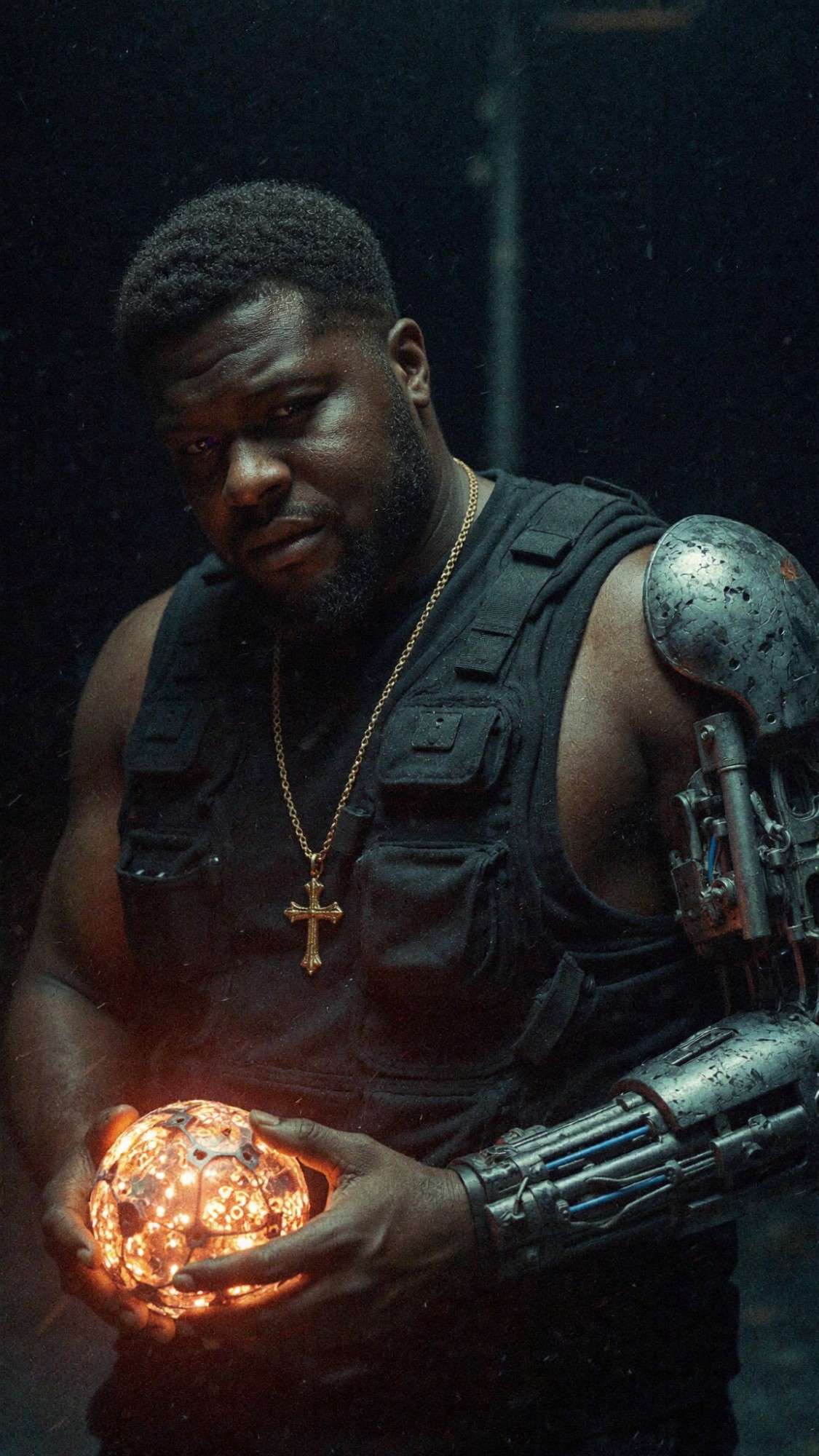
FEATURED DROP / NEW
Push-In.
A study in motion — HAILUO pipeline, anamorphic frame, slow push-in. The kind of shot that used to require a crew, a dolly, and a location permit.
PROCESS / PROMPT → FRAME
How a frame
gets made.
Every shot starts as a sentence. The discipline is in restraint — fewer adjectives, sharper composition.
“Cinematic shot, anamorphic, slow push toward a single warm gold light source. Heavy film grain. No people.”
Hailuo for motion, Higgsfield for subject continuity, Kling for camera control, Runway for finishing. Each model has a hand it does best.
HAILUO · HIGGSFIELD · KLING · RUNWAY
A 4–10 second clip. Looped, color-graded, contextualized in the sequence. The cut is the craft.
→ HOVER ANY CLIP IN THE GRID
THE WORK
Generated frames.
INTERACTIVE / TRY IT
Direct your own
scene.
Drag clips from the palette into the timeline. Reorder. Hit play and watch the cut. This is the loop I work in — composed sequence, generated frame.
PALETTE / DRAG INTO TIMELINE
TIMELINE / 6 FRAMES
Drag a clip from the palette into any slot. Drag a slot onto another to swap. Hover a slot for the × to remove. Hit play to run the cut.